
Step 3 of 9 · Partner-held custody
What partner-held custody means
This is the one step that involves both people. It is a shared, consensual trust arrangement, not surveillance. Read it together so you both agree on what it does and does not do.
The plain-language version
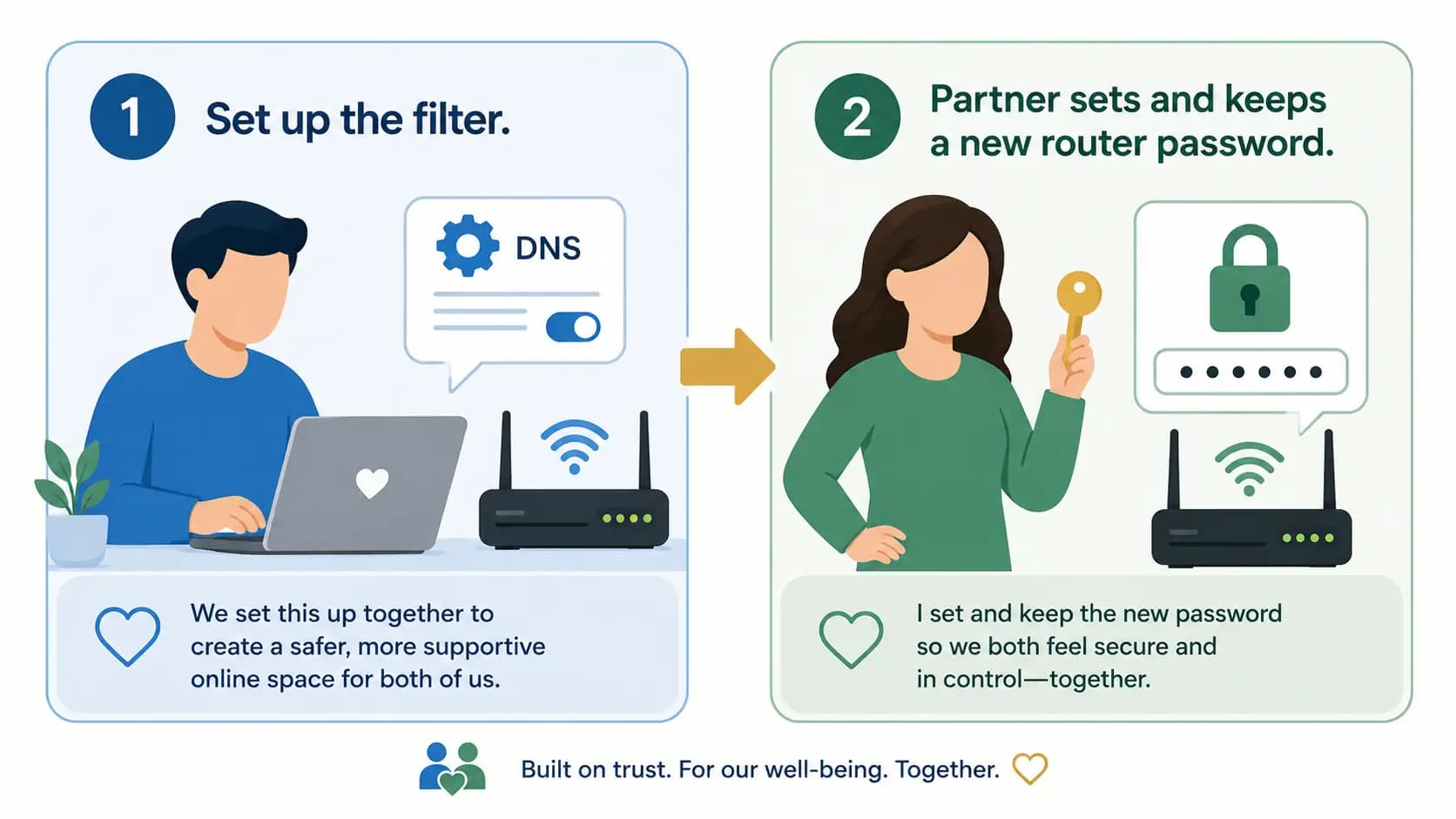
"Custody" here simply means who holds the router password. After the filter is set up, the accountability partner sets a new router password and keeps it.That way, the filter settings on the router can't be quietly changed or removed on a whim, because changing them needs the password the partner holds.
What AnchorVow can and cannot say about it
AnchorVow records that the partner holds the password. When the partner confirms custody in their account, AnchorVow notes that this confirmation happened.
AnchorVow cannot prove the Vower doesn't also know the password. This is a human trust step, not a cryptographic guarantee. It is honest accountability: a trusted person says "I have set and I hold this password," and AnchorVow records that statement. It never claims the arrangement is tamper-proof or that the Vower has been locked out for certain.
How the two of you do it
- Vower: finish the DNS setup steps in this guide first, so the filter is in place on the router.
- Partner: set a new router admin password that the Vower does not choose or see, and keep it somewhere safe. AnchorVow never asks for the password itself and never stores it.
- Partner: confirm custody in your AnchorVow account when prompted. This is what records that you hold the password.
Next
With that understood, it's time to open your router settings.