
Step 2 of 9 · Before you start
What you need before you start
Setup takes about 10-15 minutes. Gather these few things first and the rest of the guide will go smoothly.
Your checklist
- You are at home, on your home Wi-Fi. These changes are made on your own router, so you need to be connected to it.
- You can reach the router's settings page. This is the control panel for your router, opened in a web browser. The next steps show you how to find it; you just need to know you have access (usually the person who set up the internet does).
- The accountability partner is present.One step asks the partner to set and keep the router password, so it is easiest to do this together. If that isn't possible right now, you can still read ahead.
- The AnchorVow app is signed in. Your real, personal filter address is shown in the app. This public guide only shows example values; the live one comes from the app when you reach the DNS step.
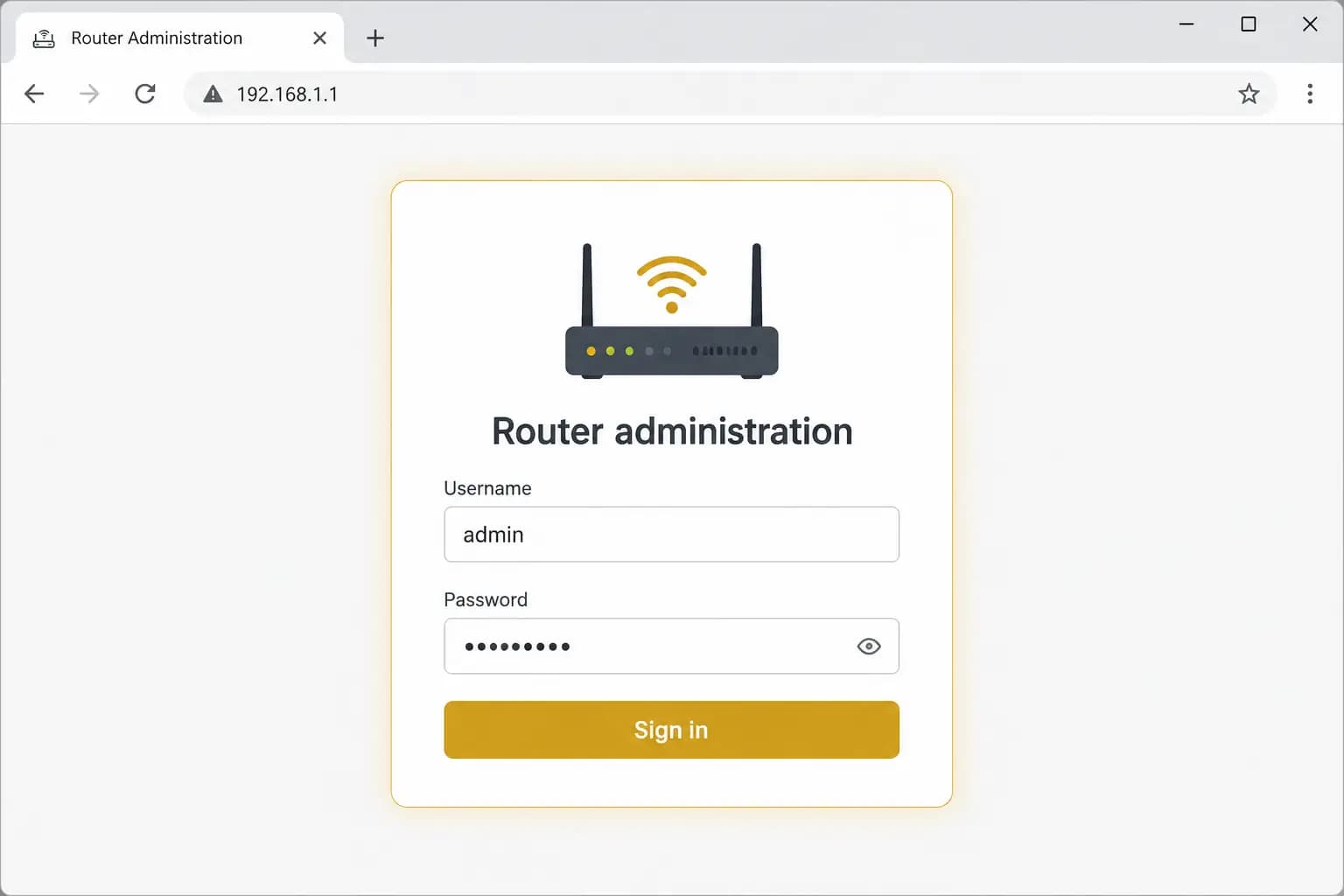
What a router settings page looks like
Every router brand looks a little different, but they all have a settings page you open in a browser and sign in to. Don't worry about the details yet; the open your router settings step walks you through finding and signing in to yours.
Next
Before touching any settings, it helps to understand the one shared trust step in this setup: what partner-held custody means.